Frame2PDF Blog
Learn more from every video
Practical guides to taking notes from YouTube: capturing slides, keeping timestamps, and getting your notes into PDF, Notion and Obsidian.
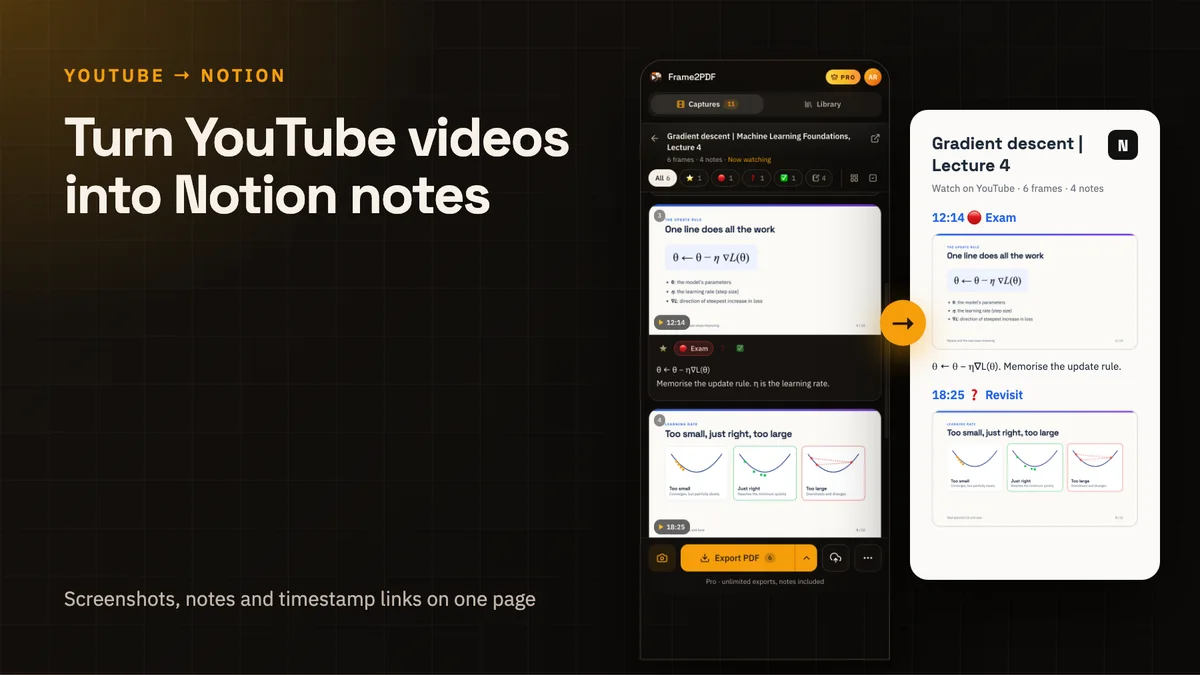
How to Turn YouTube Videos Into Notion Notes (With Screenshots and Timestamps)
A practical workflow for getting the slides, diagrams and your own notes from a YouTube video into one Notion page, with every screenshot linked back to its moment.
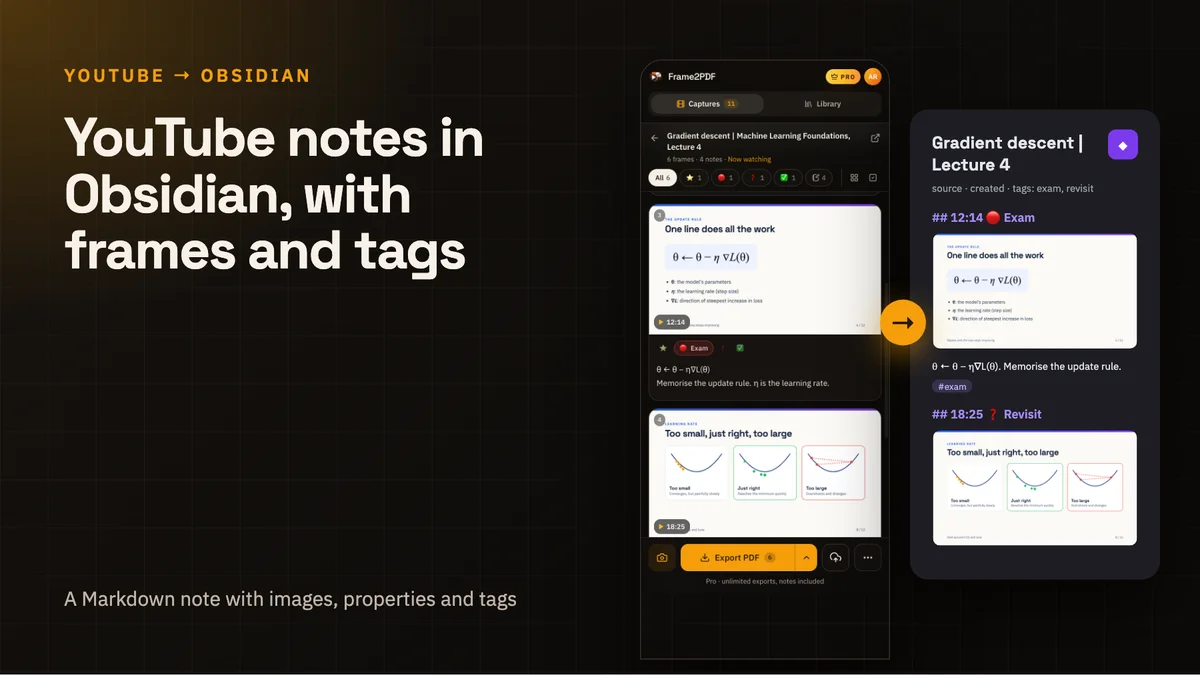
How to Take YouTube Notes in Obsidian, With Frames, Timestamps and Tags
Get screenshots, your notes and links to every moment from a YouTube video into your Obsidian vault as a proper note, with properties and tags you can query.

How to Screenshot a YouTube Video (Without Losing Quality)
Why normal screenshots of YouTube videos come out blurry, cropped, or covered in player controls, and how to capture the exact frame at full video resolution instead.

How to Convert a YouTube Video Into a PDF
A realistic look at what converting a video to PDF actually means, the manual route through Docs and Word, and a faster way to produce an ordered, timestamped document.

How to Get the Slides From a YouTube Lecture
Where to look for the original deck first, and how to rebuild a clean, timestamped slide document from the recording when the file was never shared.